
Behind the Books • Writing • Independent Publishing
How I Write and Organize My Books – Microsoft Word, Book Formatting, and AI Assistance
How does a collection of drafts, mathematical solutions, and years of notes become a finished book? In this behind-the-scenes video, I share my process for organizing manuscripts, preparing a Microsoft Word document, and bringing my STEM resources together into a publication.
Watch the manuscript organization and formatting process, or open the video on YouTube.
Starting with Material I Have Already Written
I am Author Jonathan David. In this video, I am working with material I have already written for my crash course books and STEM study resources. The task is to collect scattered documents, identify what belongs in the final project, and organize everything around a primary manuscript.
This is one part of a larger project aimed at adults returning to college and students pursuing calculus-based degrees. The working title and organization may evolve, but the immediate goal is straightforward: bring the existing writing together so I can work from a clear foundation.
Organizing Book Files Before Editing
Over time, a writing project can accumulate separate chapters, exported PDFs, references, finished solutions, and multiple versions of the same document. In the walkthrough, I create a dedicated project folder and begin separating those materials.
- Primary manuscript: The main Word document that receives the collected material.
- Working Word files: Individual sections and solutions that still need to be reviewed or incorporated.
- PDF exports: Reference copies kept separate from editable manuscripts.
- Completed material: Finished sections used to check what has already been included.
- References: Source information gathered into the manuscript’s reference section.
I also demonstrate numbered filenames to help sections appear in a useful order when sorted by name. A consistent naming system makes it easier to locate the next piece of a large project.
Preparing the Manuscript in Microsoft Word
My working document already has much of its formatting in place. I review the layout, margins, headings, page numbers, and front matter before continuing to add content.
In the video, I demonstrate custom margins and mirrored margins for a print-oriented layout. The correct settings for a finished book depend on its trim size, page count, binding, and printer specifications. The settings shown are part of my project workflow; check your chosen printer’s requirements before preparing your own final file.
Using Styles for Consistent Formatting
I show the document’s Title, Subtitle, Heading 1, Heading 2, Heading 3, and Normal styles. Defining these consistently helps the manuscript maintain a coherent appearance as material is added from different files.
Headings also provide structure for the table of contents. Rather than formatting each section independently, I use the document’s styles to keep the hierarchy organized.
Cleaning Up Pasted Text
Imported text can bring unwanted formatting into Word. In the walkthrough, I remove formatting where needed, apply the intended paragraph style, and use Find and Replace to clean up unwanted characters.
After pasting, check paragraph spacing, emphasis, headings, and special symbols. Mathematical content deserves particular attention because a formatting change can affect how an expression reads.
Writing Mathematics with Word’s Equation Editor
My STEM manuscripts contain mathematical expressions prepared in Microsoft Word’s equation editor. In the video, I show existing differential equations material and compare it with the solutions already included in a completed document.
Keeping equations editable allows me to revisit expressions as I organize the manuscript. The writing process includes arranging the explanation, presenting the mathematical steps, and checking that the section fits the larger book.
I have also recorded substantial portions of my mathematical writing process. Those recordings give readers a closer look at how the material was developed.
What I Use AI for in Book Production
A central topic in this video is the distinction between writing a book’s main content and using tools to assist with production. I explain that the STEM material shown is my own writing, while selected supporting tasks have involved AI assistance.
- Drafting supporting text: I demonstrate requesting a draft copyright page, then adjusting it within the manuscript.
- Selected visual assets: I show examples of AI-assisted graphics alongside designs assembled in Canva.
- Refining a drawing: I describe using AI to clean up the appearance of a graphic I originally drew.
- Production experiments: I discuss separate, labeled experiments involving AI-written material.
I also show Canva projects containing editable text, stock imagery, and arranged design elements. My workflow varies by project, and I explain where assistance was used rather than treating every cover or document as having the same production history.
For your own publication, review any generated supporting text for accuracy and check the disclosure requirements of your publishing platform. A generated copyright page is a draft to review, not a substitute for checking the details of your book.
Bringing the Red Edition’s Additional Solutions Together
During the walkthrough, I open a completed collection of mathematical solutions and compare individual files against it. I explain that this material represents roughly 200 additional pages included in the Red Edition of The Ultimate Crash Course for STEM Majors.
The comparison helps me determine which sections are already present and which files need further attention. It also gives viewers a preview of the advanced mathematical writing and solution material included in the expanded edition.
Follow the Work Behind the Finished Books
This video begins a series about how I assemble and prepare my books. I plan to share more of the organization, writing, formatting, and production process as I work through the remaining files.
My website also brings together available reading, podcasts, and author-narrated audiobooks. Audiobook production is ongoing, with chapters being recorded and added over time.
Explore the Books Behind the Process
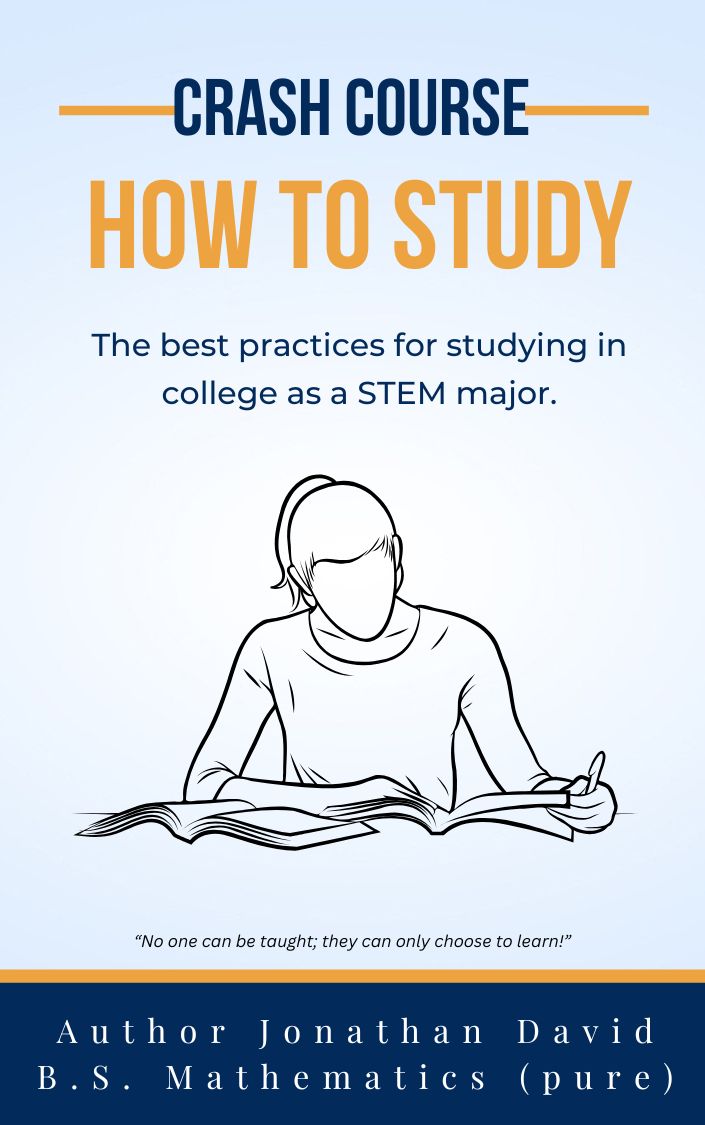
Browse my How to Study guides, Ultimate Crash Course books, and fiction, or explore website memberships for available reading, ad-free podcasts, and audiobooks.
Browse My Book Store Explore MembershipsThank you for supporting the writing, recording, and production of my books.
Adapted and expanded from the video walkthrough by Author Jonathan David.